Voice Zettel
Your voice. Your vault. Nothing in between.
The missing link for Obsidian · Zettelkasten · Second Brain
Your voice. Your vault. Nothing in between.
The missing link for Obsidian · Zettelkasten · Second Brain
Capturing a Zettel shouldn't feel like work. Voice Zettel removes the last bit of friction: typing. Capture a fleeting thought with your watch or phone; it lands in your vault instantly — formatted, tagged, and ready for your graph. No friction, no lost ideas.
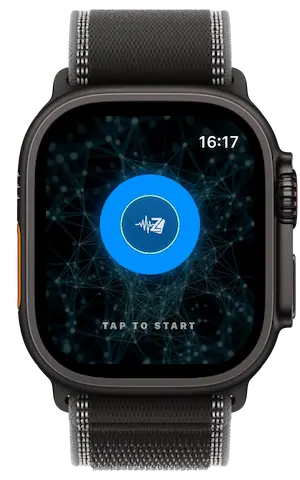
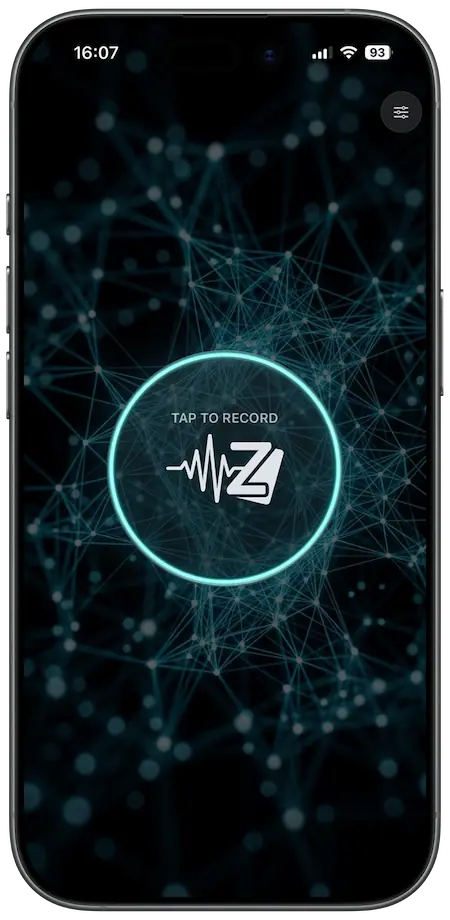
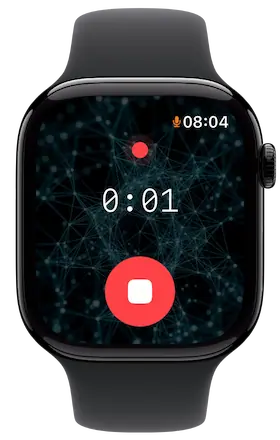
Every note arrives structured, linked, and ready for your workflow.
Tap once. Speak. Your note is transcribed and saved before the thought fades. Works on iPhone and Apple Watch — so you're never more than a wrist-raise away.
Two engines, zero cloud. Apple Speech for real-time speed, WhisperKit for high-accuracy local processing. No accounts, no subscriptions, and your data never leaves your device. Start with the bundled tiny model or go up to large for maximum precision — all running on your silicon.
Every note follows your logic. Use variables like {{title}}, {{date}}, and {{keywords}} to build a template in Settings. One setup, forever consistent — exactly how a Zettelkasten should be.
The app extracts core concepts from your speech and offers to turn them into [[wiki-links]]. One tap and it's connected to your graph. It doesn't guess — it suggests. You stay in control of the links.
Optionally save the original voice memo alongside your note. Enable it in settings and add {{recording}} to your template — the audio file is saved to your vault and embedded as a link. WhisperKit only.
Set a maximum recording duration — from a quick atomic thought to a long dictation. For anything beyond a minute or two, WhisperKit is recommended for accurate, offline processing of longer audio.
Add Voice Zettel as a complication on your Apple Watch face. One tap from any watch face straight into recording — the fastest possible path from a thought to your vault.
Voice Zettel supports every PKM philosophy via the template system. Configure once in Settings — every note follows your rules.
Just tags. No hierarchy, no maintenance. Works seamlessly with Dataview queries and full-text search.
Classic Zettelkasten. Every note is a node in the graph. Keywords become [[links]] that grow your network with every recording.
Karpathy mode. Categories only — one axis of organisation, no tag sprawl. Scalable and clean.
Coming in a future release
Voice Zettel saves notes directly to a folder you choose — no intermediate sync, no account. If your Obsidian vault lives locally (On My iPhone → Obsidian → [vault]) it works. If it's on iCloud Drive (iCloud Drive → Obsidian → [vault]) it works. Any folder the Files app can reach is fair game.
Privacy by design: Voice Zettel only transcribes, formats and saves the notes. It never reads your existing vault.
↑ Zettelkasten inbox pattern — new notes arrive as [[unprocessed]], ready for your next review session.
Privacy by design. Voice Zettel does not collect, transmit, or store any personal data. All audio is processed entirely on your device using Apple's Speech framework or WhisperKit (a local Core ML model). Notes are written directly to a folder you choose — no accounts, no servers, no cloud sync managed by this app. The app requests microphone access for recording and speech recognition access for transcription. Neither is used for any purpose other than creating your note.
Last updated: April 2026